Streamline Work Orders
See how barcode-driven work order tracking cuts through production bottlenecks and keeps jobs moving from scan to close.
Read: Streamline Work OrdersA complete feature set for Pro and Enterprise manufacturing operations — from barcode scanning and AI scheduling to dedicated server deployments with on-premise AI agents.
Standard Time® delivers one of the most comprehensive barcode scanning systems available in manufacturing software — supporting everything from simple time clocking to complex automated workflows triggered by a single scan.
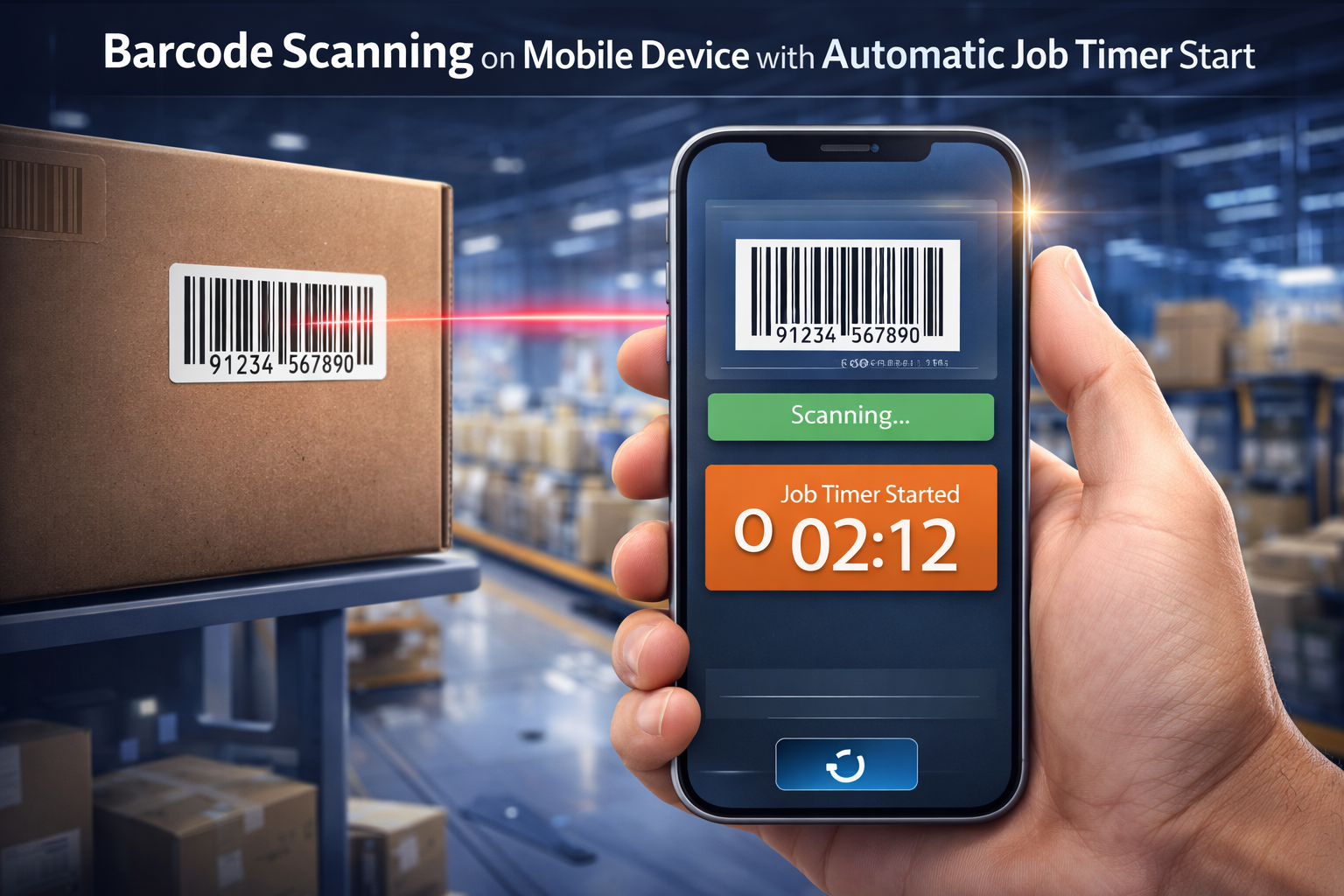
Use barcodes to capture time entries and material consumption automatically — no manual data entry required.
Workers tap or scan once to start a job. The clock starts automatically, tied to the correct project and task.
Configure each barcode to do exactly what your workflow requires — with custom defaults per scan type.
Create rules that trigger automated actions based on what's scanned — macro-level process automation from a single barcode.
Use voice commands to control Standard Time® hands-free on the shop floor.
Scan 1D barcodes and QR codes using any device camera — no dedicated scanner hardware required.
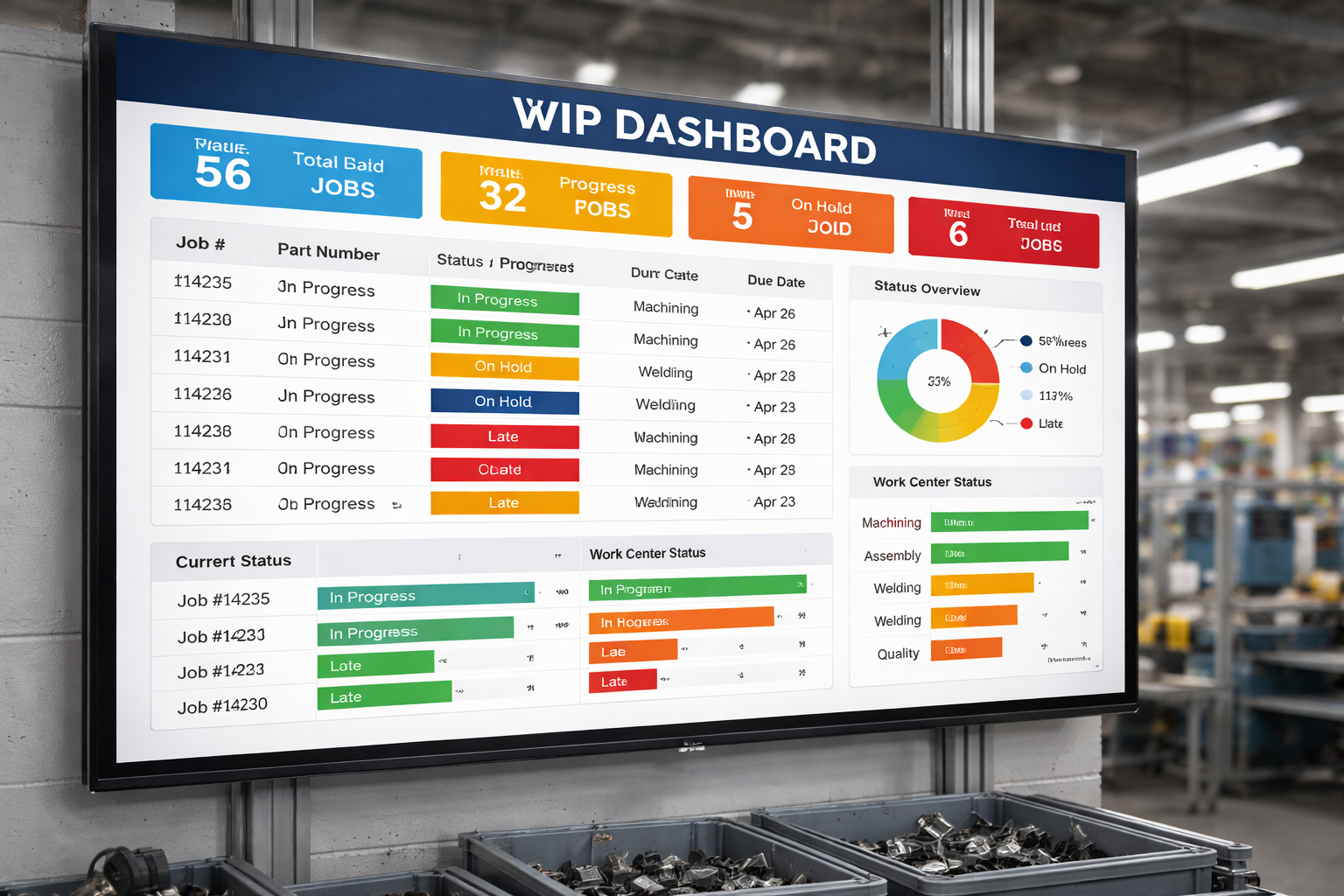
Keep your entire shop floor informed and coordinated with real-time big-screen displays. Standard Time® transforms any monitor or TV into a live production dashboard that every team member can see at a glance.
Track every active job on the floor in real time — which station it's at, who's working it, and how it's tracking against schedule.
View the current activity and status of every employee on big screens — instantly see who's on what job.
Live job status, WIP metrics, and manufacturing KPIs displayed on big screens for the whole shop.
Standard Time® runs in most browsers on any OS and any device — desktop, tablet, or smartphone.
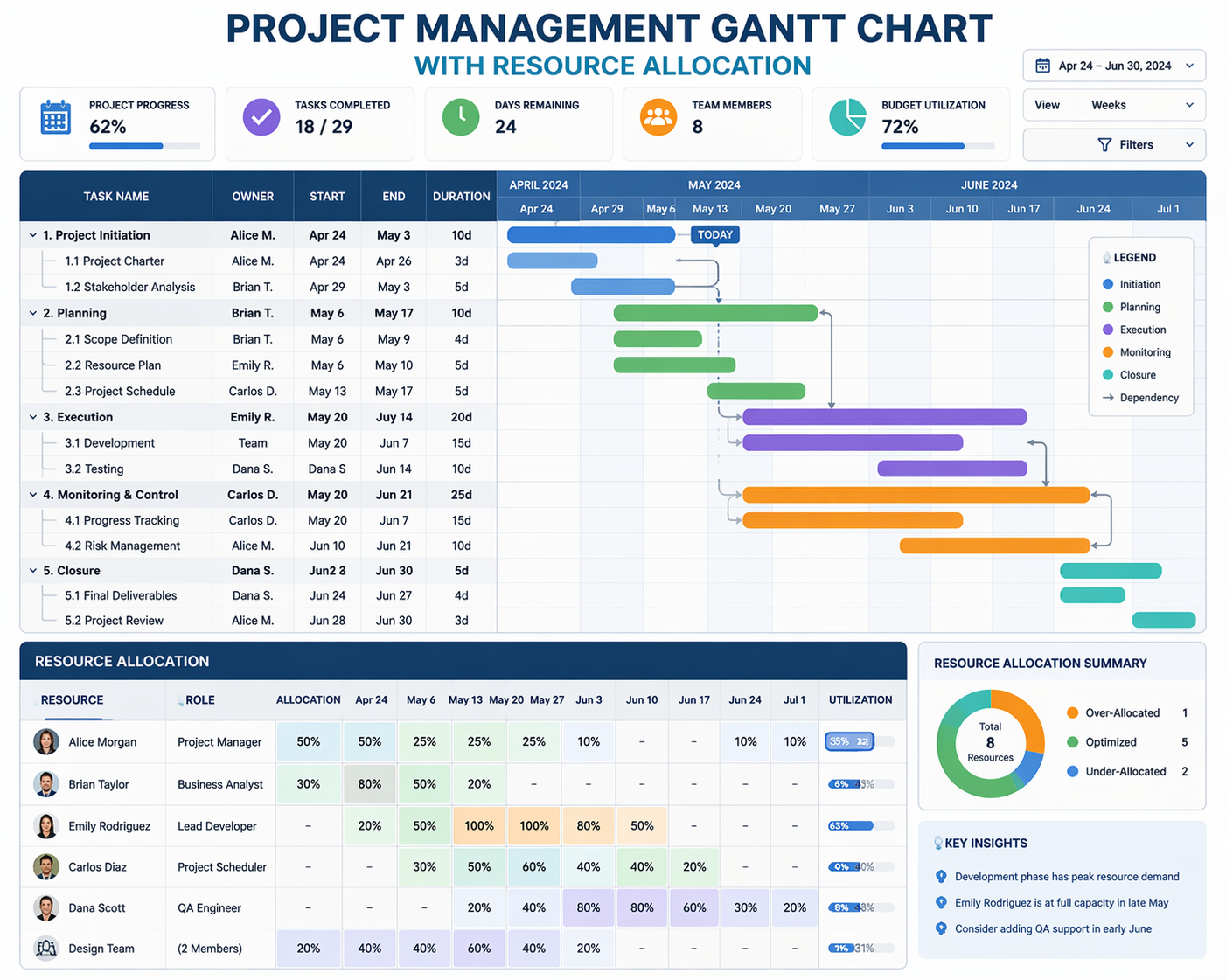
Standard Time® includes a full-featured project management system designed for manufacturing — with Gantt charts, unlimited project hierarchies, resource allocation, and everything your team needs to plan and execute complex production projects.
Graphical Gantt chart display with drag-and-drop scheduling, dependencies, and milestones.
Organize work into projects, portfolios, and subprojects with unlimited nesting levels.
Assign users to projects and tasks, manage user rights, and control access at every level.
Bar and grid charts showing resource allocation by day, week, month, or year — spot conflicts instantly. See the Resource Allocation guide.
Track available hours per person with over/under utilization alerts before they become problems.
Over 60 task properties to filter, sort, and slice your project data any way you need.
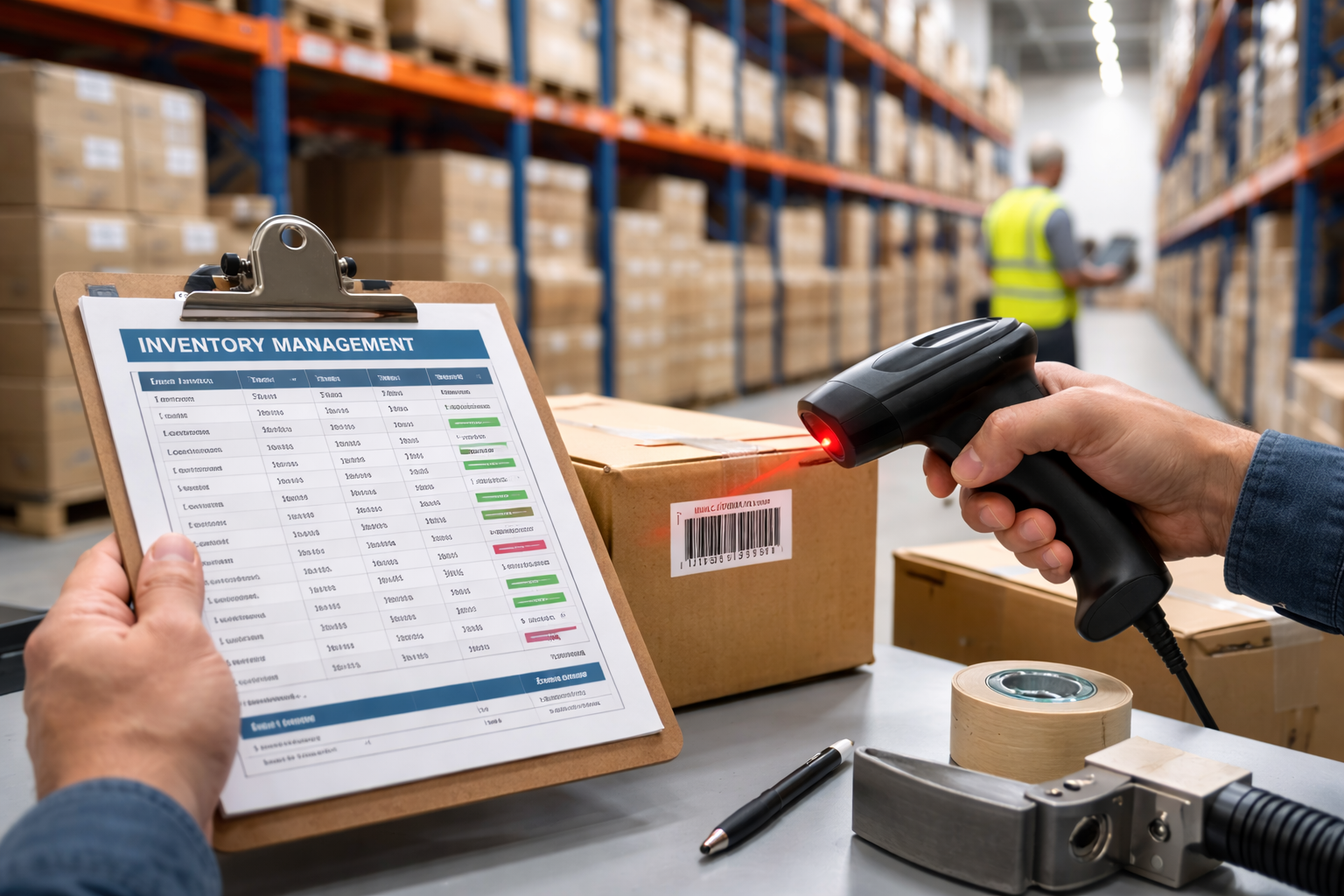
Standard Time® tracks inventory from receipt to consumption — with barcode scanning, multi-location support, bills of materials, and a complete SKU system spanning company, vendor, and manufacturer part numbers.
Scan items in and out of inventory using any barcode scanner or device camera — eliminating manual counts and data entry errors.
Real-time on-hand quantities per item and per location — always know what you have before production begins.
Define multi-level bills of materials for finished goods and sub-assemblies. Automatically deduct components when work orders are fulfilled.
Organize stock across warehouses, distribution centers, and any number of named locations — track transfers between sites.
Drill down to the rack, shelf, or bin level so workers can locate parts instantly on a busy shop floor.
Maintain Company SKUs, Vendor SKUs, and Manufacturer SKUs on every part — reconcile part numbers across suppliers and internal systems without confusion.
SKU & Location Types
Company SKU
Your internal part number — used across work orders, BOMs, and reports to identify items the way your team does.
Vendor SKU
The part number your supplier uses on packing slips and invoices — cross-referenced so receiving is always matched correctly.
Manufacturer SKU
The OEM or manufacturer part number — critical for ordering replacements and verifying compatibility across the supply chain.
Locations & Racks
Warehouses, distribution centers, storage racks, shelves, and bins — hierarchical location tracking down to the exact storage slot.
Start a subscription today — access all Pro features immediately on any device.
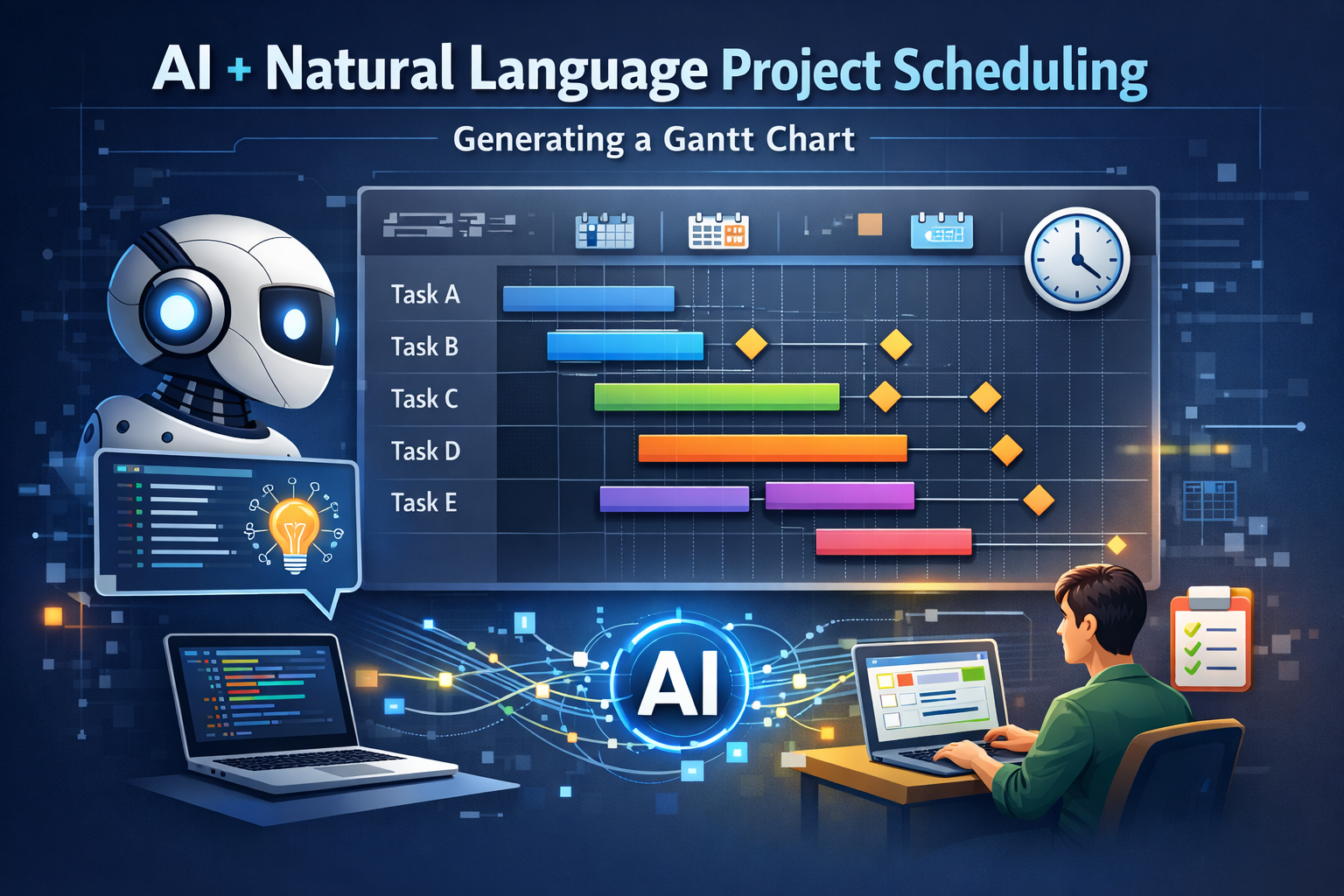
Buy Now Request a DemoStandard Time® brings the power of modern AI to manufacturing project scheduling. Use natural language to create and adjust schedules, automate resource leveling, and integrate with any LLM provider through the built-in multi-provider gateway.
Describe your project in plain English and let AI generate a structured schedule with tasks, durations, and dependencies.
AI automatically resolves resource conflicts and reschedules tasks to keep production on track.
Connect Standard Time® to major Large Language Model providers for AI-assisted manufacturing operations.
Multi-provider LLM gateway lets you switch between AI providers without reconfiguring your workflows.
Classic timesheet entry for recording hours against projects and tasks — flexible and familiar.
Advanced clock-in/clock-out, barcode tap-to-start, and automated time capture for the shop floor.
Assign projects and tasks to customers or clients for customer-facing tracking and billing.
Invoice by milestone, date range, or fixed bid — with itemized time and cost detail.
Track salary costs, client billing rates, and compare estimates to actuals on every project.
Manage PTO, vacation, and sick leave requests — integrated with resource availability planning.
Define company holidays that automatically remove capacity from scheduling and resource calculations.
Add custom data fields to any record type with built-in validation rules to enforce data quality.
Build custom reports with the data you need, filtered and sorted by 60+ task properties.
Set up automated scheduled reports delivered by email on daily, weekly, or monthly cadences.
Scheduled automated exports and imports keep your data synchronized across systems.
One-click export to Microsoft® Excel® for further analysis, sharing, or archiving.
Support for Excel, Word, CSV, HTML, and MPP (Microsoft® Project®) file formats.
Export to and import from Microsoft® Project® — work with .MPP files natively.
Integrations
QuickBooks® Online
Sync time, costs, invoices, and project data with QuickBooks® Online. Eliminate double-entry and keep financials in sync.
Microsoft® Project®
Full bidirectional compatibility with Microsoft® Project® .MPP files — import plans or export for executive review.
Microsoft® Excel®
Export any data set to Excel® for custom analysis. Import Excel® data into Standard Time® projects and tasks.
Microsoft® Word®
Export data sets and reports to Word® for distribution to management.
For organizations requiring maximum performance, security, and control — Standard Time® Enterprise adds dedicated infrastructure and on-premise AI.
Your own private Standard Time® server instance — isolated from other customers, with full control over configuration, updates, and data residency.
Optionally install your AI provider and agents directly on your dedicated server — keeping sensitive manufacturing data fully on-premise for maximum data sovereignty and security.
Enterprise includes all Pro features plus dedicated infrastructure. Contact us to discuss your Enterprise requirements and get a custom quote.
Every feature included in Standard Time® Pro and Enterprise plans.
Barcode scanning, quantity in stock, bill of materials, multi-location tracking, storage racks, and Company/Vendor/Manufacturer SKUs.
1D barcodes, QR codes, camera scanning, tap-to-start, user-defined scans, defaults, rules, and macros.
Voice-controlled time tracking and manufacturing workflow automation.
Real-time job tracking displayed on big screens across the shop floor.
Browser-based — any OS, any device, any location.
View all employee activity in real time on big-screen displays.
Job status, WIP, and manufacturing KPI metrics in real time.
Graphical display, project hierarchy, Gantt charts, milestones.
Unlimited nesting levels for any organizational structure.
Custom reporting, scheduled reports, export and email delivery.
User rights, project and task assignment, team management.
Customer and client assignment to projects and tasks.
Invoice by milestone, date range, or fixed bid.
Salary, client cost, estimates vs. actuals.
One-click export to Microsoft® Excel® spreadsheets.
Excel, Word, CSV, HTML, and MPP file formats.
Full .MPP bidirectional compatibility.
Classic timesheet entry against projects and tasks.
Clock-in/out, barcode, and automated time capture.
Natural language project scheduling, resource leveling, rescheduling.
Large Language Model provider integration for AI-assisted operations.
Multi-provider LLM gateway — switch providers without reconfiguring.
Bar and grid charts by day, week, month, and year.
Available hours tracking with over/under utilization alerts.
Set-and-forget automation for data exchange and reporting.
PTO, vacation, and sick leave management integrated with scheduling.
Seamless sync of time, costs, and invoices with QuickBooks® Online.
Company holidays automatically reduce resource capacity in planning.
Slice and dice your data with over 60 filterable task properties.
Add custom data fields with built-in validation rules.
Private server instance for data sovereignty and control.
Optionally install AI on your own infrastructure for sensitive data environments.
Standard Time® is available in two deployment models — choose the one that fits your infrastructure, security requirements, and IT preferences.
The fastest way to get started. Standard Time® is hosted on secure cloud infrastructure managed by Scoutwest — no servers to provision, no software to install, and no maintenance burden on your IT team.
Deploy Standard Time® on your own servers, inside your own network. Your data never leaves your infrastructure — ideal for organizations with strict data residency, compliance, or security requirements.
Common questions about Standard Time® features, deployment, and getting started.
Is this software cloud-based?
Yes — Standard Time® is fully cloud-based and accessible from any browser on any device. We also offer on-premises deployment for organizations that require data to stay within their own network. Both options are available on Pro and Enterprise plans.
How long does implementation take?
Most teams are up and running the same day. Cloud setup takes minutes — create an account, add your users, and start tracking. On-premises deployments typically take one to three days depending on your server environment and database configuration. Our support team walks you through every step.
What barcode scanners do you recommend?
Standard Time® works with virtually any USB or Bluetooth barcode scanner that outputs keyboard wedge input — Zebra, Honeywell, and Socket Mobile are popular choices among our customers. You can also scan using the camera on any phone or tablet. Contact us for specific hardware recommendations based on your environment.
Does it integrate with QuickBooks®?
Yes. Standard Time® integrates with QuickBooks® Online to sync time entries, project costs, and invoices — eliminating double-entry between your project management and accounting systems. The integration is included in all Pro and Enterprise plans.
How is pricing calculated?
Pricing is $8.99 USD per user, per month — billed monthly with no long-term contract required. A license is needed for every employee who uses the software, including shop floor workers who only scan barcodes and administrators who manage the system.
Can I try it before subscribing?
Yes. Download the installer from our downloads page for a fully functional 30-day trial — no credit card required. You can also request access to our cloud test environment to explore the web edition from any browser without installation.
Is there a mobile app?
Standard Time® runs in any modern mobile browser — no app download needed. Workers on the shop floor can clock in, scan barcodes, and check job status from any smartphone or tablet. The interface adapts automatically to any screen size.
What kind of support is included?
All subscriptions include U.S.-based technical support by phone and email. Our team is available Monday through Friday, 9:00 AM – 6:00 PM Eastern Time. Enterprise customers receive priority support and dedicated onboarding assistance.
Do you offer training?
Yes. We offer guided onboarding sessions to get your team productive quickly — covering barcode setup, project configuration, user management, and shop floor workflows. Training is available by phone and screen share. Contact us to schedule a session tailored to your operation.
Practical guides on how to get the most out of Standard Time® features in a real manufacturing environment.
See how barcode-driven work order tracking cuts through production bottlenecks and keeps jobs moving from scan to close.
Read: Streamline Work OrdersLearn how to use Gantt charts and resource allocation to slot jobs intelligently and prevent over- and under-utilization.
Read: Slot Jobs for ProductionDiscover how Standard Time®'s AI chat makes project setup, task assignment, and progress tracking feel effortless.
Read: Manage Projects with AIMonthly subscription, licensed by users, available on any browser or device.
View Pricing Contact Us Browse FAQStandard Time has become an essential tool in our workshop, giving us real-time order status updates we can quickly pass along to customers and clear visibility into how new employees are progressing. It's also helped us pinpoint waste and improve our processes.
Ted Harriss
Monomoy Goods LLC
www.monomoy.com