
Barcode Scanning for Manufacturing

Track employee time, materials, inventory, job status, and work orders on the shop floor using 1D barcodes, QR codes, and mobile devices. Standard Time® makes barcode-driven manufacturing simple, affordable, and powerful.
Learn the Basics of Barcoding on the Shop Floor

Start with the instructional video, practice the scanning techniques with your own barcode scanner, then integrate the process into your manufacturing workflow. Standard Time® supports 1D laser barcodes and QR codes — both work identically.

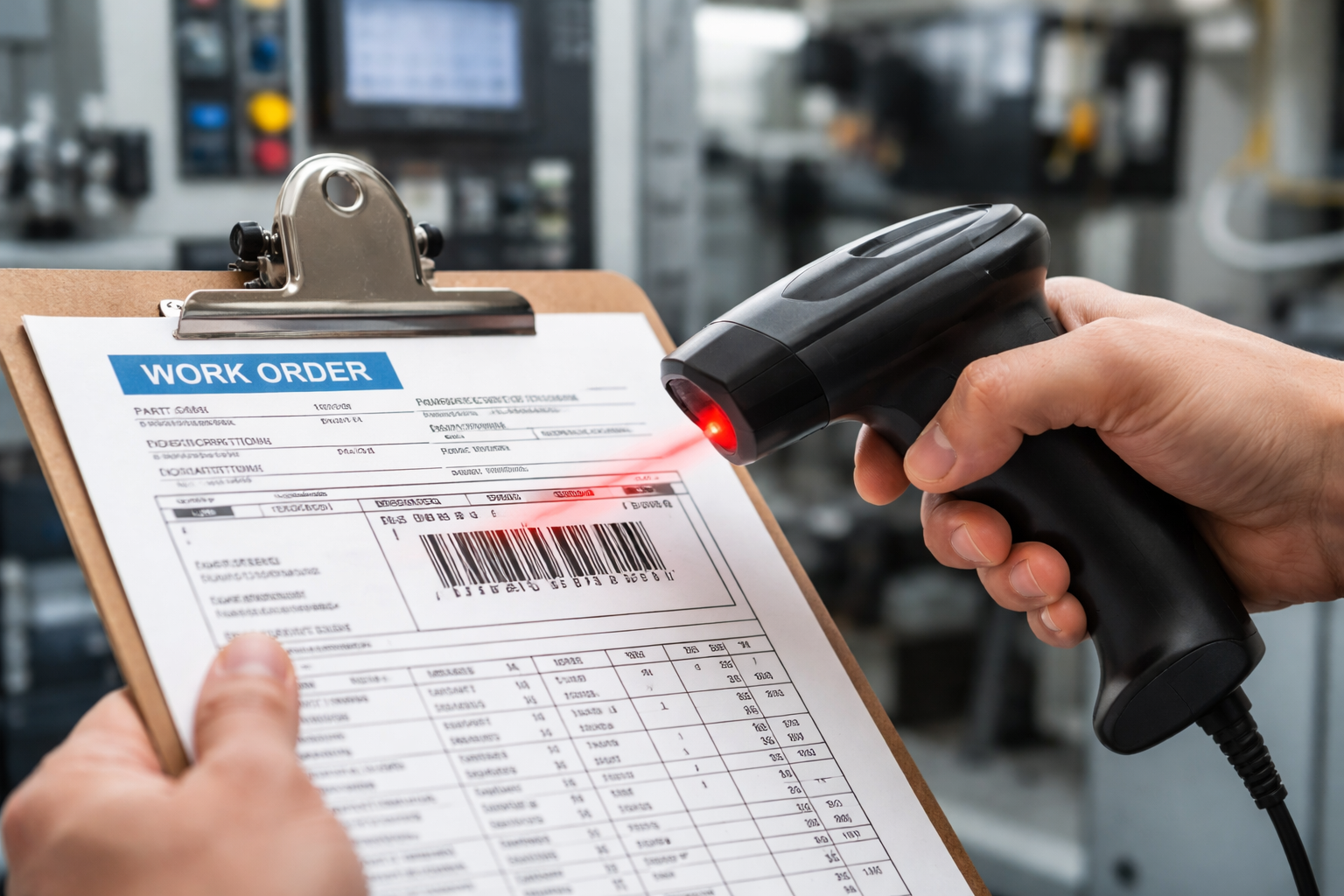
Close-up of a person scanning a barcode label on a manufacturing work order with a red-line laser scanner, manufacturing equipment visible in background

Barcode Scanning on the Shop Floor

Once you have Standard Time® configured, the scanning workflow is simple: scan your name, scan the job, scan the task, and work begins. Scan STOP when done. That's it — all your data is captured automatically.

Employee Time Tracking

Scan name + job + task to start a timer. Scan name + STOP to end it. All time logs flow into reports, dashboards, and invoices automatically.

📦

Materials & Inventory

Scan inventory item codes to deduct, add, or prompt for quantities. Track material consumption against work orders in real time.

📊

Job Status Updates

Scan custom status codes to update project and task status from the floor. No computer access needed — a barcode label is all it takes.

🔧

Tool Control

CHECKOUT and CHECKIN scan commands track tool accountability by person and job. Know where every tool is at all times.

1D Barcodes & QR Codes

All USB-connected scanners work via keyboard emulation. Red-line laser and QR scanners both function identically. Use what you have.

🐋

Speech & Camera Scanning

Speech recognition and camera-based barcode scanning provide hands-free alternatives — ideal for environments where hands-on-scanner isn't practical.

See How Easy Barcode Scanning Is

Use an inexpensive Chromebook as a scanning station to collect employee time and materials and to view job status

Advanced Barcode Features

Tap-To-Start

Touchscreen-friendly alternative to scanning — tap a job to start a timer instantly without a physical scanner.

Barcode Rules Engine

Automatically accept and process previously unknown barcode scans using configurable barcode rules — no manual setup per label.

Barcode Macros

Define macros that trigger multiple actions from a single scan — reducing the number of labels an employee needs to carry.

User-Defined Scans

Create custom scan types to match your specific manufacturing workflow — from status codes to custom field updates.

Barcode Defaults

Pre-configure default project, task, or category values for a scanning station — fewer scans required per time log entry.

JSON QR Codes

Embed JSON-structured data in QR codes to pass multiple values in a single scan — job, employee, quantity, and status at once.

Here's an alternative to scanning barcodes

Use Tab to Start to touch the screen to start and stop timers instead of scanning

Ready to Scan Your First Work Order?

Get the free barcode font, print your first labels, and scan your first time log in under an hour with our quick-start guide.

Start Scanning Your Shop Floor Today

Standard Time® includes one-on-one setup assistance. We'll help you configure barcoding for your specific operation.

View Pricing Contact Sales