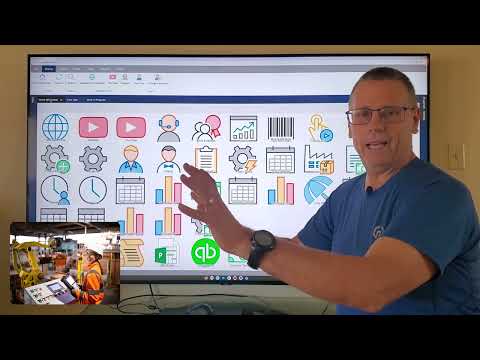
Shop Floor Job Tracking

Tracking jobs on the shop floor is the primary purpose of Standard Time®. Scan and go — that's how you track time and materials on the shop floor. Real-time WIP, employee status, and big-screen TV dashboards keep every shift running at full visibility.
Scan and Go — The Fastest Way to Track Shop Floor Time

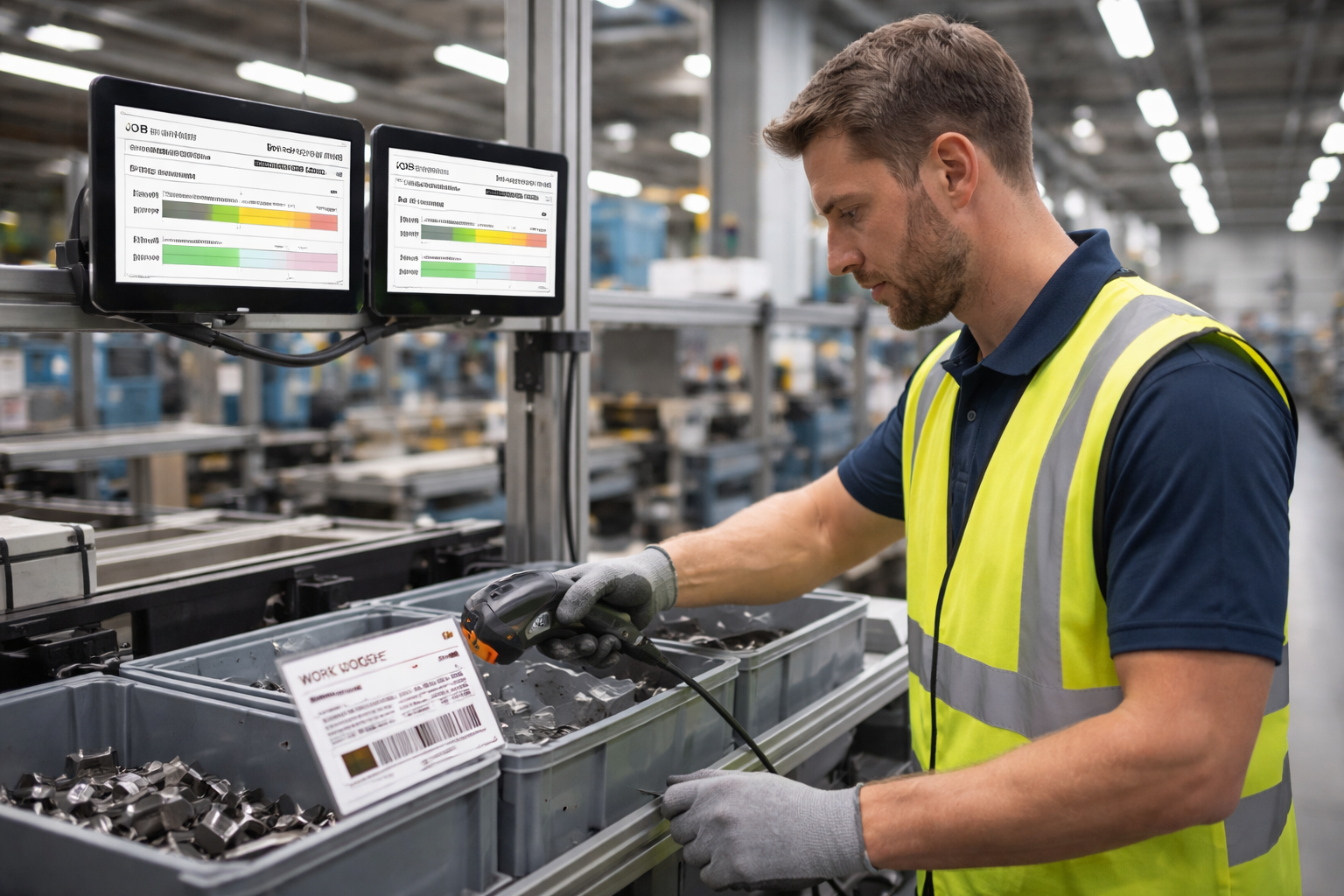
Standard Time® enables employees to track time and materials efficiently using barcode scanners rather than manual computer input. No keyboards. No forms. No delays. Just accurate, real-time data from the moment work begins to the moment it stops.

Shop floor worker with a barcode scanner scanning a work order label on a manufacturing line, tablets mounted nearby showing job status
📶

Barcode-Driven Time Tracking

Employees scan their ID, the job number, and the task to start a timer. One scan ends it. Time is captured automatically — no manual entry, no errors, no lost data.

📊

Work in Progress (WIP)

Real-time WIP dashboards show every active job: who's working on it, hours logged, percentage complete, and materials consumed. All updating live as scans happen.

📺

Big-Screen TV Dashboards

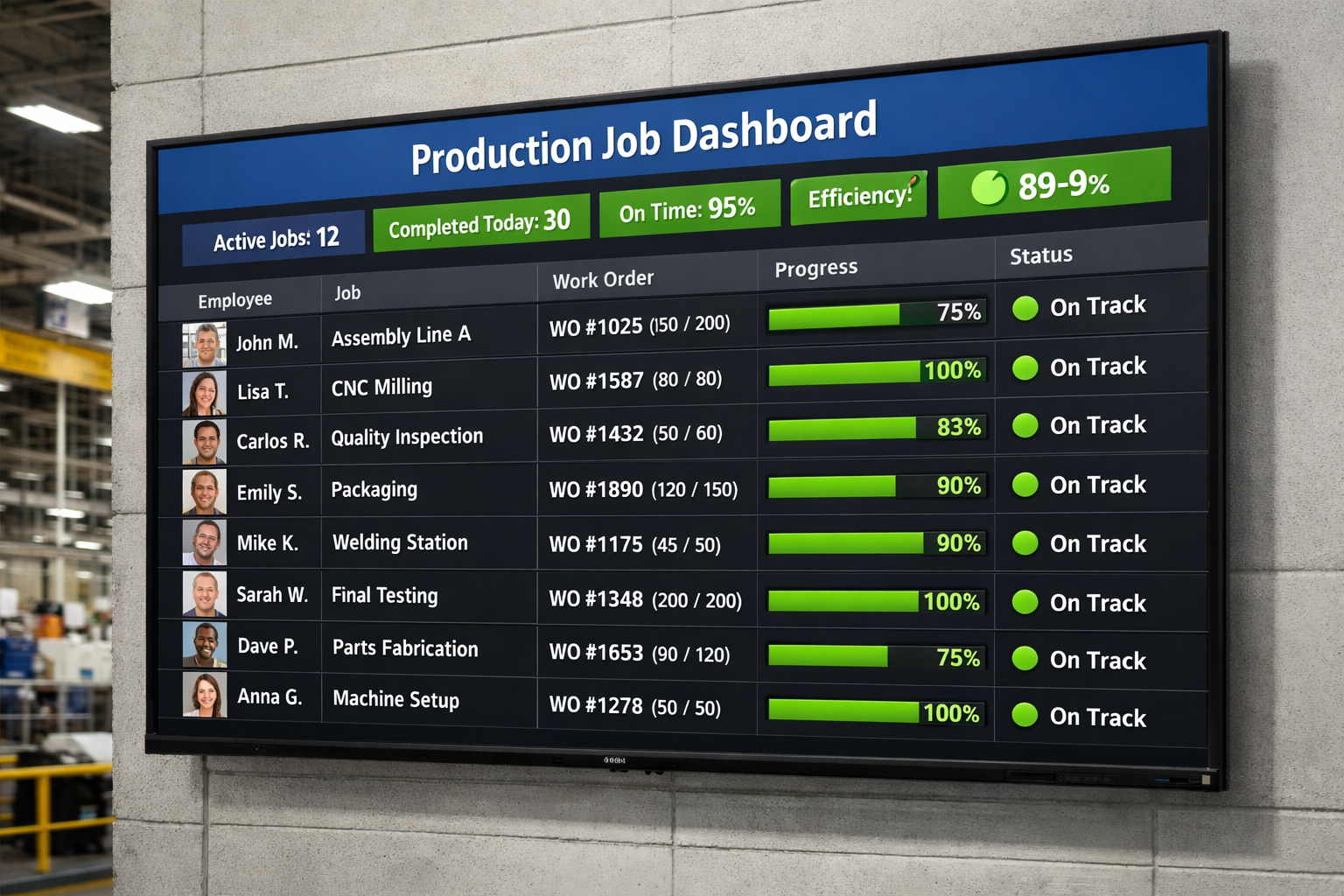
Mount a large-screen TV on the shop floor and display live job status, WIP totals, and employee activity for everyone to see — no log-in required.

👤

Employee Status

View which employees are clocked in, which jobs they're actively working on, and how long they've been at it — across the entire shop floor in real time.

📂

Job Status at a Glance

Color-coded job status indicators let managers instantly spot jobs that are on track, at risk, or past due — and take action before problems compound.

🏓

Tablet-Friendly Scanning

Affordable tablets replace expensive workstations at each scan station. Low cost, durable, and ready to go the moment an employee picks up a scanner.

Big-Screen TV's — Shop Floor Visibility for Everyone

Mount an inexpensive monitor or large-format TV anywhere on the production floor and display Standard Time's live dashboards. No dedicated software required on the display — just a browser pointed at your Standard Time® URL.

  • Live WIP dashboard — jobs, employees, hours, status
  • Employee activity board — who is working on what right now
  • Job completion percentages updated with every scan
  • Production KPI metrics for shift and daily goals
  • Zero cost to add additional display screens
Large monitor on a factory wall displaying a real-time job dashboard with green status indicators, employee names, and work order progress bars

How to Display WIP on a big-screen TV

Hang a big-screen TV on the shop floor wall so all employees can view job status and work in progress

How Shop Floor Scanning Works

The complete scan-and-go workflow from start to finish.

  1. Employee walks to the scan station (workstation, tablet, or shared kiosk).
  2. Scans their barcode name badge or employee ID label.
  3. Scans the work order or job number label attached to the job packet.
  4. Optionally scans the task or production phase label.
  5. Timer starts automatically — data is written to the SQL database immediately.
  6. WIP dashboard updates in real time — managers see the job go "active".
  7. At end of work, employee scans their name + STOP — timer halts, log is finalized.
  8. Reports, dashboards, and invoices reflect completed time instantly.

Use Inexpensive Chromebooks As Shop Floor Scanning Stations

Chromebooks are nice tools for scanning stations on the shop floor.

Get Your Shop Floor Running on Real-Time Data

Start a free 30-day trial and scan your first work order in under an hour. One-on-one setup help included.

View Pricing Contact Sales