6 May 2026
5 Barcodes to Scan to Start and Stop a Timer
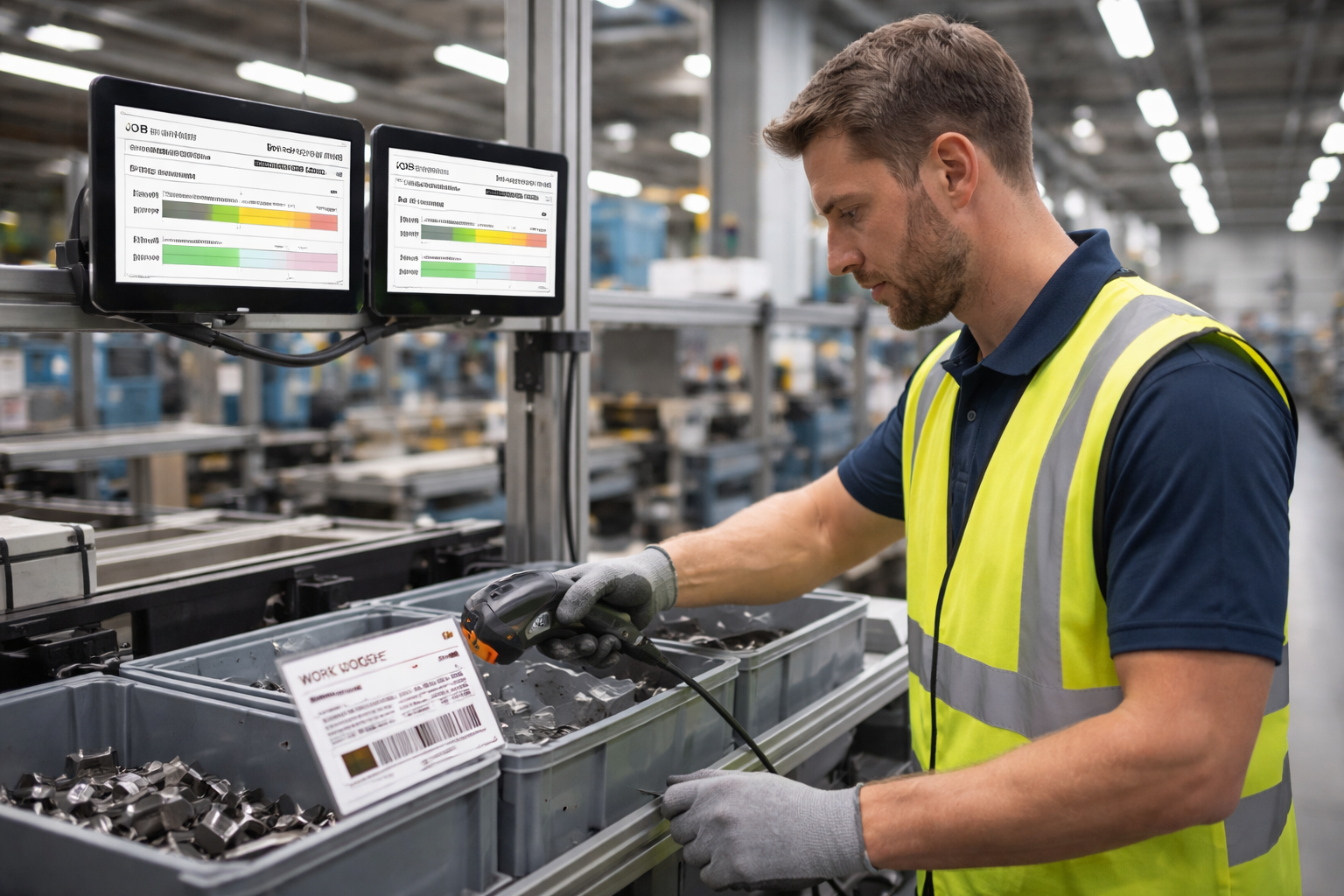
No logins. No keyboards. No paperwork. Just scan five barcodes and Standard Time® does the rest — capturing a precise timestamped record of who did what, on which job, at every step of the process.
-
1
Scan Your Username
Every scan sequence begins with identity. Each employee has a printed badge or label with a barcode tied to their username in Standard Time®. One scan and the system knows exactly who is about to start work — no typing, no PIN, no shared logins.
-
2
Scan the Work Order Number
Next, scan the barcode printed on the work order, traveler, or job ticket. Standard Time® links the incoming time to that specific work order — so every minute tracked is attributed to the right job, the right customer, and the right cost center.
-
3
Scan the Task or Process Step — Timer Starts
The third scan identifies the task or process step being performed: welding, assembly, inspection, painting, packaging — whatever your operation uses. The moment this barcode is scanned, the timer starts. The employee can set down the scanner and begin work immediately.
-
4
Scan Your Username Again When Finished
When work is complete, the employee picks up the scanner and scans their username badge again. This re-identifies the user and signals that a stop sequence is coming — the system knows who is clocking out and matches it to the open timer they started.
-
5
Scan STOP — Timer Stops
The final scan is a printed STOP barcode, typically mounted near the workstation. Scanning it closes the timer. Standard Time® records the elapsed time and stamps the entry with a complete record: employee, work order, task, start time, and end time. Done.
What You Get From 5 Scans
Every completed scan sequence produces a timestamped record that includes:
- Employee — who performed the work
- Work order — which job it was charged to
- Process step — what task was completed
- Start and stop time — exactly when work began and ended
- Elapsed duration — total labor hours for payroll and job costing
Multiply that by every employee, every shift, and every job — and you have a complete, accurate picture of your shop floor without a single paper timesheet.