24 November 2025
Tap-To-Start: A Faster Way to Track Time
Not every workflow needs a full barcode scan. Tap-To-Start is a quick, touchscreen-friendly alternative that lets employees initiate job timers with a single tap.
What Is Tap-To-Start?
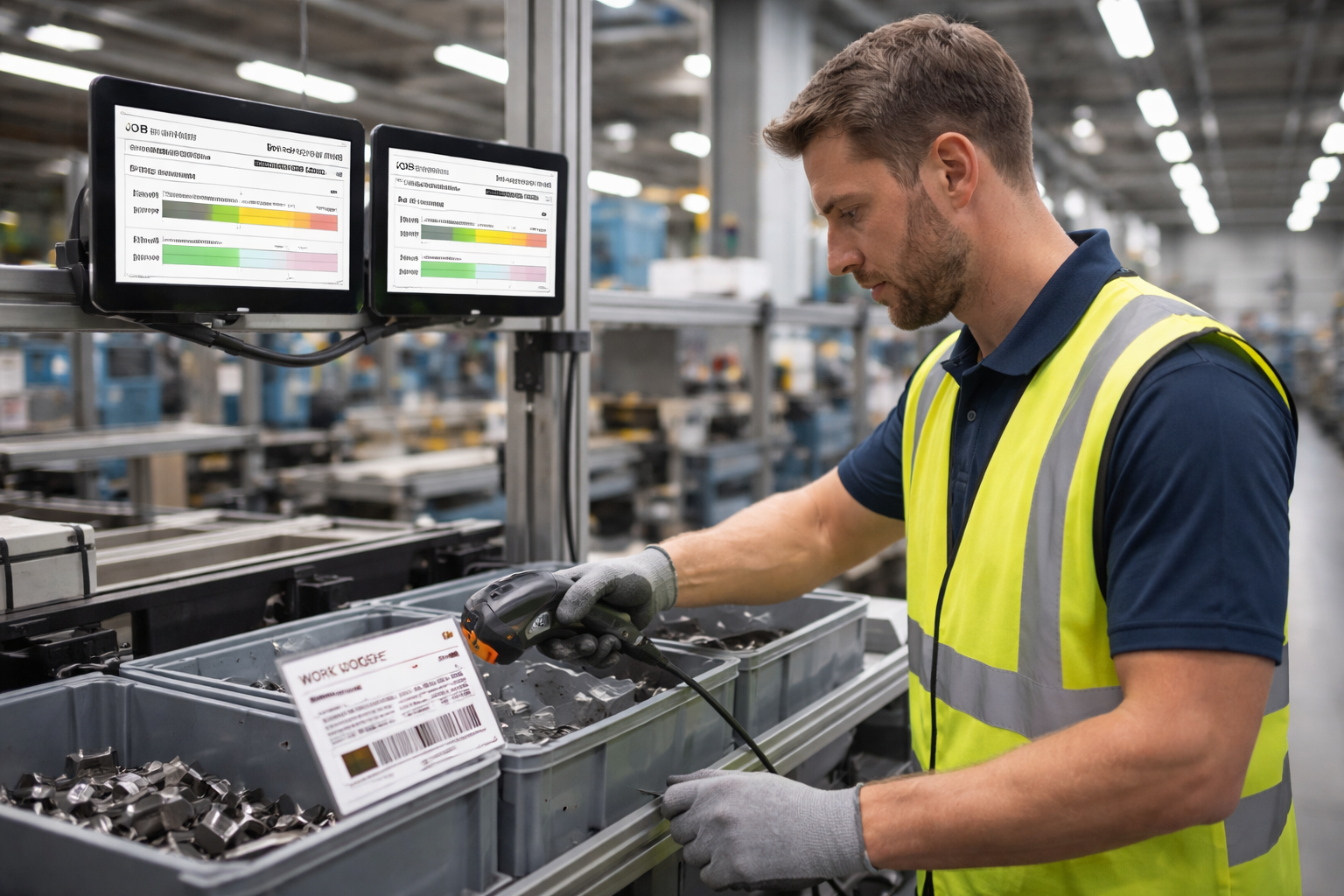
Tap-To-Start is a touchscreen interaction mode in Standard Time® that allows an employee to begin tracking time on a job simply by tapping its name or tile on a tablet or touchscreen display. No barcode, no scanner, no keyboard — just a tap and the clock starts.
Reduce Friction at the Start of Every Job
Every second of friction between "work starts" and "time tracking starts" is lost data. Tap-To-Start eliminates that gap entirely. The moment an employee begins work, they tap the job on the screen and Standard Time® starts capturing time automatically.
Ideal for Shared Workstations
In environments where multiple employees rotate through the same workstation, Tap-To-Start makes it easy for each person to clock into their own job without reconfiguring anything. The touchscreen presents the available jobs and each employee taps their own assignment.
Works Alongside Barcode Scanning
Tap-To-Start is not a replacement for barcode scanning — it's a complement to it. Some workstations may use scanners, others may use Tap-To-Start, and some may use both. Standard Time® supports all of these modes simultaneously across your operation.
The Same Accurate Data
Whether time is captured by a barcode scan or a screen tap, the result in Standard Time® is identical — a time entry tied to the correct project, task, and employee with an accurate timestamp. The tracking method doesn't affect data quality.