Standard Time® Videos

See Standard Time® manufacturing software in action. Watch demos, feature walkthroughs, and tutorials to discover everything the platform can do for your operation.

Product Demonstrations

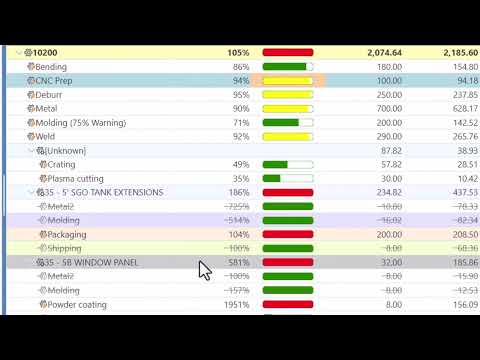
These videos showcase Standard Time® core capabilities — from shop floor barcode scanning and WIP dashboards to AI-powered project scheduling and reporting.

Standard Time® Manufacturing Software — Product Demo

Standard Time® Manufacturing Software Demo

A comprehensive demonstration of Standard Time® — covering barcode scanning, WIP tracking, shop floor dashboards, project management, and real-time reporting for manufacturing operations.

Watch: Manufacturing Demo
Standard Time® Features Walkthrough

Standard Time® Features Walkthrough

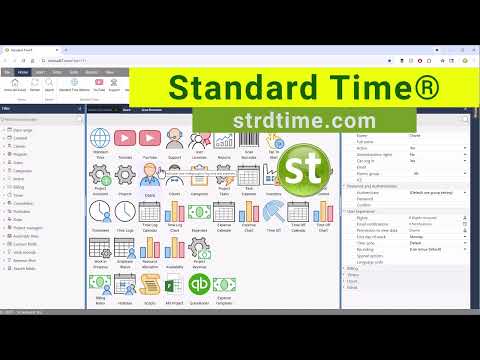
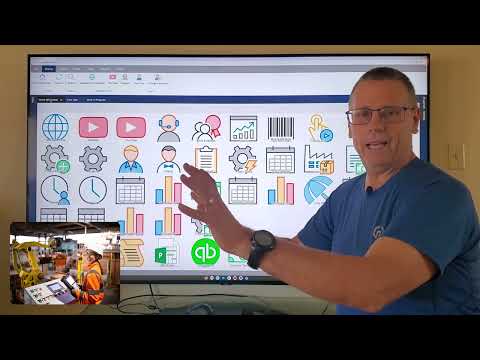
An in-depth walkthrough of Standard Time® features — including AI scheduling, resource allocation, customer invoicing, QuickBooks® integration, and time tracking tools for manufacturing teams.

Watch: Features Walkthrough
Job Status Dashboard

Job Status Dashboard

Up-to-the-minute job status can be displayed on big-screen TV's on the shop floor for WIP and employee status.

Watch: Job Status Dashboard

Watch After Starting A New Subscription

Just getting started? These videos walk you through the essential first steps to get up and running quickly.

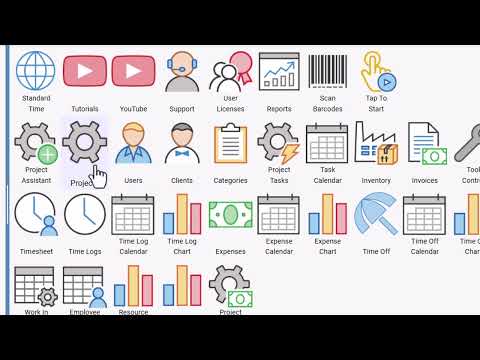
Creating Users And Barcodes For Scanning

Creating Users And Barcodes For Scanning

One of the very first steps after starting a new subscription is to create new users and barcode labels.

Watch: Creating Users & Barcodes
Time Logs And Where to Find Barcode Scans

Time Logs And Where to Find Barcode Scans

Look in the Time Logs page to find newly scanned work order. Each scan is a timestamped record. Now you have real-time job tracking!

Watch: Time Logs & Barcode Scans
Creating Work Orders And Barcodes For Scanning

Creating Work Orders And Barcodes For Scanning

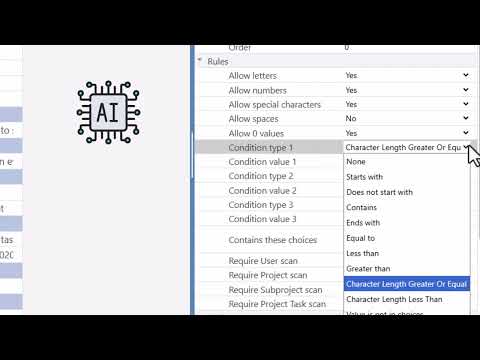
Step 2 after starting a new subscription might be to add work orders or jobs and tasks under them. Barcode Rules may help with that.

Watch: Creating Work Orders

Like What You See?

Standard Time® is ready to deploy on any browser or device. Get started with a subscription today.

Buy Now Contact Us

More Videos on Our YouTube Channel

We regularly publish new demos, tutorials, feature spotlights, and customer success stories on the Scoutwest YouTube channel. Subscribe to stay up to date with everything Standard Time® has to offer.

Scoutwest, Inc. on YouTube

Tutorials, demos, new feature announcements, and manufacturing best practices — all on our YouTube channel. Free to watch and subscribe.

Subscribe to Our YouTube Channel

You can also watch all Standard Time® videos directly at: youtube.com/user/scoutwestinc

Topics Covered in Our Videos

Our video library covers every major feature and use case for Standard Time® manufacturing software.

Barcode Scanning

Setup and use of 1D barcodes, QR codes, tap-to-start, barcode rules, and camera scanning on mobile devices.

Shop Floor Dashboards

How to configure and display WIP, employee status, and KPI dashboards on big screens across the shop floor.

AI Scheduling

Using natural language to generate production schedules, resource leveling, and LLM provider configuration.

Project Management

Setting up projects, portfolios, Gantt charts, milestones, and resource allocation in Standard Time®.

Job Costing & Invoicing

How to track job costs, compare estimates to actuals, and generate customer invoices from project data.

QuickBooks® Integration

Setting up and using the QuickBooks® Online integration to sync time, costs, and invoices.

Ready to Put Standard Time® to Work?

Start your subscription today — all Pro features available immediately on any device.

See Pricing Plans Get in Touch